Customize Advanced Search Document Listing
This Bloomreach Experience Manager feature requires a standard or premium license. Please contact Bloomreach for more information.
Customize the Document Listing
The grid can be configured like other folder views, the same column providers can be configured.
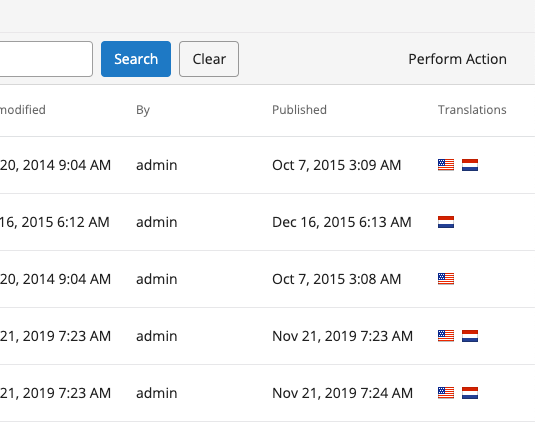
As an example, let's add the translations column that's available for folders. At /hippo:configuration/hippo:frontend/cms/cms-advanced-search add a node translationColumns as follows:
/hippo:configuration/hippo:frontend/cms/cms-advanced-search:
  /translationColumns:
    jcr:primaryType: frontend:plugin
    column.id: ${column.id}
    plugin.class: org.hippoecm.frontend.translation.list.TranslationsColumnProviderPlugin
To the cms-advanced-search plugin cluster.
As shown in the image below, the result is that we can now see a new column containing all the available translations for each document: